Questions about Mihaly
Mihaly is a free day planner for macOS. Here is what people ask before they download it.
Price and setup
Is Mihaly free?
Yes. There is no subscription, no payment and no account, as the terms say.
What do I need to run it?
A Mac with macOS 14 or later. The app is universal, so it runs on both Apple Silicon and Intel. It is signed and notarized by Apple, and updates arrive inside the app.
Is there an iPhone, iPad, Windows or web version?
No. Mihaly is a Mac app, and your plan stays on that Mac. If you need it on your phone, the planners on our comparison pages will suit you better.
Is Mihaly finished?
Mihaly is in early access. Features still change, and some may be reworked or removed, as the terms say. Updates arrive inside the app.
Who makes Mihaly?
Ilya Gindin. Mihaly is part of Thanks for Sharing. Questions go to [email protected].
Data and calendars
Where is my data stored?
On your Mac. Tasks, plans, rituals, notes and settings are files in your user folder, and there is no cloud copy. Settings → Privacy exports everything as one JSON file, and keeping a backup is up to you. The privacy policy lists every place data goes when it leaves your Mac.
Does it work with Apple Calendar and Google Calendar?
Yes, both. Your meetings sit beside your tasks, and Mihaly can write your time blocks back to the calendar you choose. How Mihaly handles Google Calendar data.
Does Mihaly connect to WHOOP or Oura?
Yes, both are optional. Mihaly shows sleep, recovery or readiness next to your plan and marks workouts on your calendar. Health data is fetched by your Mac and held in memory. How health data is handled.
Planning, focus and agents
Can I time block in Mihaly?
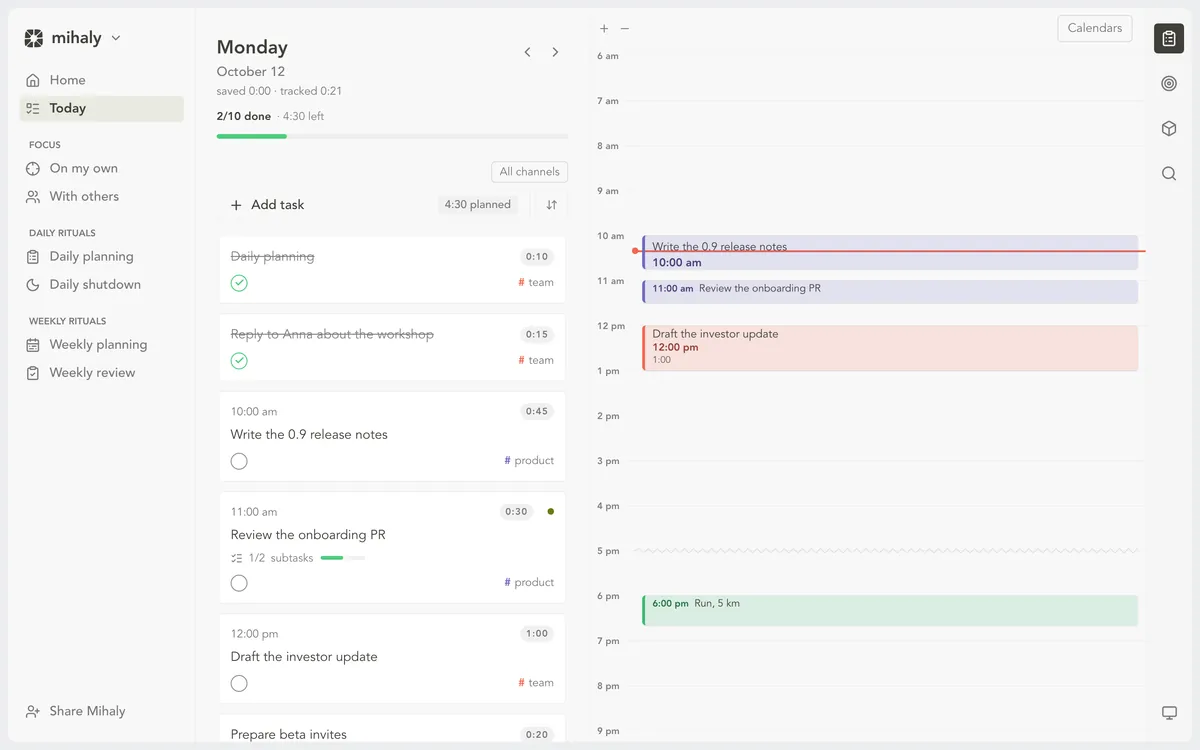
Yes. Drag a task onto the calendar and it gets its own hour. An auto-schedule action places a task in the next free slot inside your working hours. It moves only the task you pick, inside your hours and around your meetings.
Does Mihaly plan my day with AI?
No. You plan the day, and Mihaly walks you through it. AI is optional: Claude Code or Codex on your Mac, under your own subscription, can write short notes in planning and review and take on a task you hand over.
Can an AI agent do tasks from my list?
Yes, if you use Claude Code or Codex. A task can go to the agent, which works in its own copy of the repository, asks on the card when it needs you, and comes back with a report you accept or return.
What happens in a focus session?
You start one from a task or from free time on the calendar. A compact player keeps the timer, pause and volume in view, with optional breaks between rounds and sound modes from Focus to Calm. Focus and Dynamic play Mihaly's own music, and you can add nature and noise layers.
Can I focus with other people?
Focus together is in early access and works by invite. It shows who in your community is starting a session and who has a free slot, so you can join or book a time and work side by side.
Mihaly for Mac
Plan the morning, timebox the day, close it with a look back. Free, with no account; signed and notarized by Apple.